


Software skills for interior designers are now central to professional value. Employers evaluate not only design sensibility but also the ability to produce accurate drawings, realistic visuals, and coordinated documentation. Candidates who master the right interior design software and digital tools for interior designers consistently command better starting pay and faster salary growth. This article explains which software moves the needle, how each tool translates to real responsibilities at firms, and how to present these skills when applying for interior design roles.
Why software skills for interior designers matter
The design office today runs on shared digital models, quick visualisations, and clear documentation. Proficiency with software reduces rework, speeds up client approvals, and allows a single designer to take on larger responsibilities. These factors directly influence compensation. Recruiters look for candidates who can handle both concept visuals and technical execution; this breadth is what lifts junior salaries above the market baseline.
Core categories of software (and how they increase income)
Primary software skills for interior designers are listed below with a short note on impact.
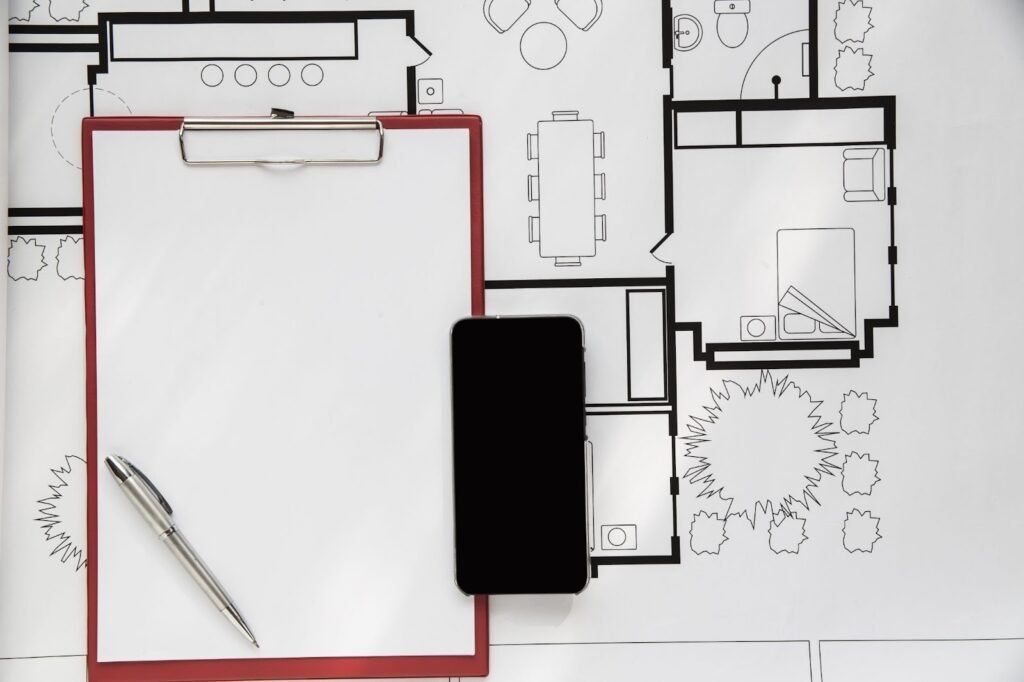
1. Documentation & Drafting (AutoCAD, Revit (documentation))
- Why it pays: Accurate construction drawings and coordinated documentation save time on site and reduce errors. A designer who can prepare working drawings independently is more valuable than one who only produces concept sketches.
- Hiring signal: Job descriptions commonly list AutoCAD and documentation in Revit as minimum requirements for paid roles.
2. BIM & Coordination (Revit, ArchiCAD)
- Why it pays: BIM skills move designers into coordination roles (MEP coordination, clash detection) that command higher pay because they reduce consultant time and risk.
- Hiring signal: Firms hiring for project delivery or larger commercial work prefer candidates with BIM experience even at junior levels.
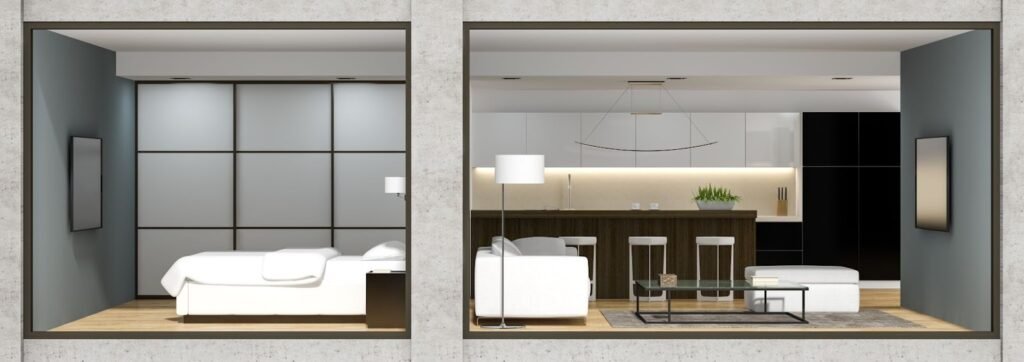
3. 3D Modeling & Concept Tools (SketchUp, Rhino)
- Why it pays: Rapid iterative modelling shortens design cycles. For bespoke furniture or custom geometries, Rhino skills are premium and often attract a salary premium.
- Hiring signal: Boutique studios and high-end residential projects list Rhino/SketchUp proficiency as desirable.
4. Rendering & Visualization (Lumion, V-Ray, Enscape)
- Why it pays: Realistic visuals win client approvals and pitches. Designers who can produce client-ready renders increase conversion rates on proposals and, therefore, become revenue assets.
- Hiring signal: Visualization skills are explicitly linked to roles that influence client-facing value and sometimes attract performance bonuses.

5. Graphic Presentation & Documentation (Photoshop, InDesign, Illustrator)
- Why it pays: Clean presentation boards and proposals are part of fee-winning submissions. Designers with strong layout and photo-editing skills reduce the need for external consultants, which firms value financially.
- Hiring signal: Design presentation skills often separate good candidates from merely competent ones during interviews.
6. Parametric & Computational Tools (Grasshopper)
- Why it pays: Parametric skills are niche and can command a significant premium, especially for firms working on experimental geometries or advanced detailing.
- Hiring signal: Less common but highly valued in specialized practices.
Also Read – How to Build a Winning Architecture Portfolio That Gets You Hired
Practical pathway: what to learn first (and how to prove it)
- Start with drafting and documentation (AutoCAD): indispensable for nearly every studio.
- Add one visualisation tool (SketchUp + V-Ray or Lumion) to present concepts well.
- Learn Revit basics: even a basic BIM workflow increases employability in large offices.
- Demonstrate skills in the portfolio: include screenshots that state “modeled in Revit” or “rendered with Lumion” and short captions explaining the role played in technical documentation or client presentations.
- Show measurable outcomes: mention delivery speeds, number of drawing sets produced, or coordination tasks handled—these metrics translate to salary justification during negotiations.
How to list & present software skills (resume + portfolio)
- Resume: group software into categories (BIM, 3D, Visualization, Graphic). Use proficiency tags such as Advanced, Intermediate, or Basic. Example: Revit — Intermediate (Coordinated 3 projects).
- Portfolio: do not just show final images. Include a small technical page per project showing drawings, schedules, or a coordination snippet labeled with the tools used.
- Interview: prepare short talking points on how the tool directly contributed to project outcomes (faster approvals, fewer site queries).
Which software yields the largest salary uplift?
Combining BIM (Revit) + Visualization (Lumion/Enscape/V-Ray) + parametric basics (Rhino/Grasshopper) produces the highest market premium. Employers value designers who can take a concept through visualization to coordinated documentation. This combination often results in a noticeable salary uplift compared to peers who only draft.

FAQ (Schema) — include on the page using FAQ structured data
Q: Which software should an interior designer learn first?
A: Start with AutoCAD for documentation and one visualization tool (SketchUp or Lumion) for concept presentation.
Q: Do software skills increase salary for interior designers?
A: Yes — BIM and advanced visualization skills commonly result in higher starting salaries and faster promotions.
Q: How should software skills appear in a portfolio?
A: Add short captions indicating the software used, and include a mix of technical and visual deliverables to prove end-to-end capability.
Closing note: Mastery of selected digital tools transforms a junior designer into a multi-role contributor—this expands responsibility and justifies higher pay. Focus on practical application, proof in the portfolio, and clarity during interviews.